


Almost every founder I talk to started with the same setup: Stripe for cards, a PayPal button next to it, and no real plan for either. That works until it doesn't. A payout gets held, a dispute fee shows up that nobody budgeted for, or a renewal batch fails because the only processor on the account has started asking questions.
So when merchants ask me "Stripe or PayPal?", the honest answer is that they are not really competing for the same job. Stripe is a card processor you build checkout on. PayPal is a wallet with its own buyer network that also processes cards. Most growing ecommerce brands end up using both, and the more useful question is how each one should fit into your payment setup.
This guide compares Stripe and PayPal on the things that move margin and risk for ecommerce: fees, payout timing, account holds, subscriptions, disputes, and what happens to your stored customer cards if you ever need to leave.
Key takeaways
- On a standard US domestic card payment, Stripe (2.9% + 30¢) is usually cheaper than PayPal wallet checkout (3.49% + 49¢). On a $60 order that is $2.04 versus $2.58.
- PayPal's value is the buyer, not the rate: shoppers who already have a PayPal account can pay without typing a card, and Pay Later options can lift order value.
- Both are aggregators. You share their risk model rather than holding your own merchant account, so holds, reserves, and closures are decided by their policies, not by your underwriting file.
- Card data stored with Stripe can be exported to another PCI DSS Level 1 processor. PayPal wallet credentials only work with PayPal, so a recurring base built on them cannot be moved.
- For subscription and higher-volume brands, the practical answer is usually both, plus at least one additional card route, coordinated by a single layer that decides where each payment goes.
Stripe vs PayPal at a glance
Fees shown are the published US list prices on Stripe's pricing page and PayPal's merchant fees page as of October 2026. Higher-volume merchants can often negotiate custom rates with both.
Stripe and PayPal do different jobs
Comparing them as if they were two versions of the same product is where most of the confusion starts.
Stripe is infrastructure. You (or your platform) build the checkout, Stripe authorizes and settles the card payment, and you get a lot of control over the flow: payment methods, retries, metadata, webhooks, and how subscriptions are billed. The shopper usually never thinks about Stripe at all.
PayPal is a brand the shopper recognises. When a customer clicks the PayPal button, they log in to their own account and pay with whatever they have saved there. That is why PayPal tends to convert well with first-time visitors, mobile shoppers who do not want to type a card number, and international buyers who trust PayPal more than an unfamiliar store. PayPal also sells card processing, but most merchants use it for the wallet.
So the real decision is rarely "which one". It is "which one handles card payments, and how much of my revenue should flow through the wallet".
Fees: what each one actually costs
Both providers use flat-rate pricing: a percentage plus a fixed fee per transaction, with surcharges stacked on top for international cards and currency conversion. Flat-rate pricing is simple, but it is rarely the cheapest option at scale because you pay the same markup regardless of how cheap the underlying interchange was.
The fixed fee matters more than most people think. PayPal's 49¢ is 19¢ higher than Stripe's 30¢, which barely registers on a $150 order and hurts a lot on a $20 one.
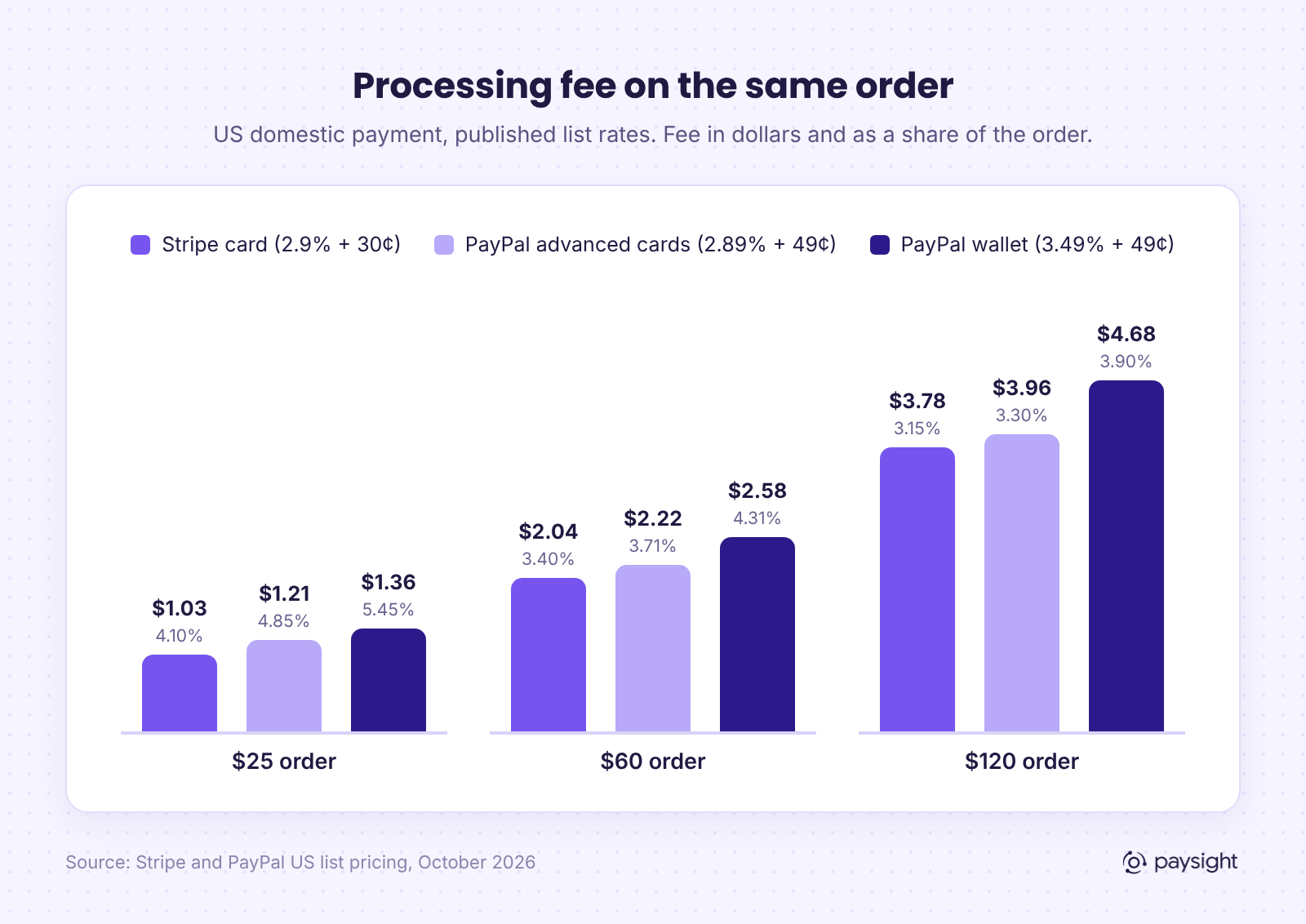
Worked example: the same order through each option
Scale that up to a brand doing 10,000 orders a month at a $60 average order value ($600,000 in volume) and the gap becomes real money: roughly $20,400 a month on Stripe's list rate, $22,240 on PayPal's advanced card processing, and $25,840 if every order went through PayPal wallet checkout.
That does not mean PayPal is a bad deal. If the wallet button recovers orders that would otherwise have been abandoned, a higher fee on those orders can still be cheaper than losing them. The point is to measure it: compare conversion with and without the wallet, and look at your effective rate per method, not just the headline percentage.
The fees that are easy to miss
- Currency conversion. Stripe adds 1% when it converts currency. PayPal lists 4% for most conversions. If you sell into multiple currencies, this can outweigh the base rate difference.
- International cards. Both add 1.5% for cards issued outside your market. On cross-border-heavy stores, your blended rate can sit well above the headline.
- Disputes. Stripe charges $15 per dispute and another $15 if you respond to it manually. PayPal charges $20 per card chargeback and $15 per PayPal dispute, rising to $30 for high-volume accounts. If your dispute rate creeps up, these fees compound quickly.
- Add-ons. Stripe Billing (0.7% of billing volume on pay-as-you-go) and Radar fraud screening are priced separately. Budget for them if you rely on Stripe for subscriptions.
Payouts and cash flow
For a DTC brand buying inventory and media ahead of revenue, when money arrives matters almost as much as how much you keep.
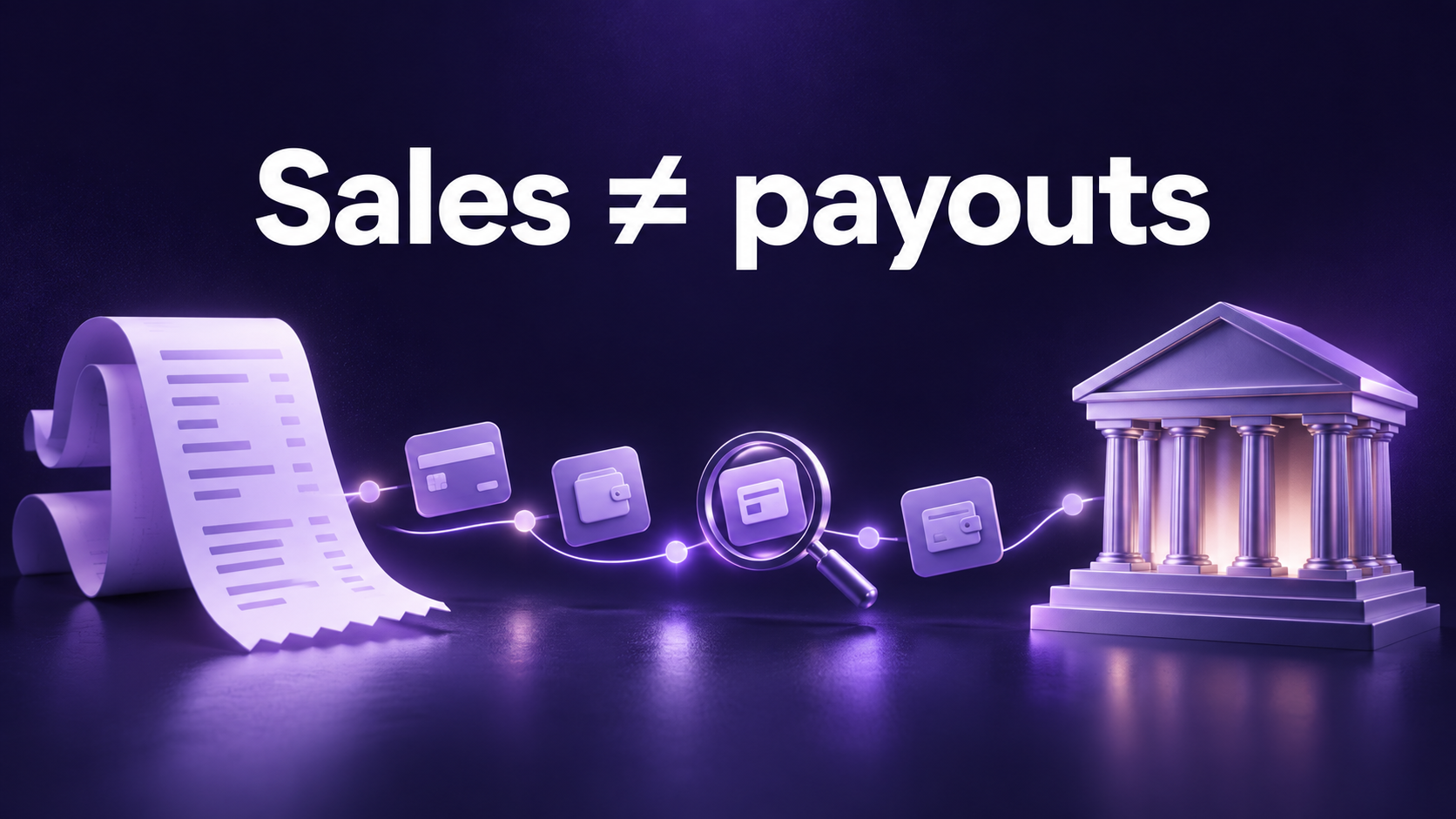
Stripe's payout documentation says the first payout is typically scheduled 7 to 14 days after your first live payment, depending on industry and risk. After that, US accounts usually move to a T+2 settlement timing, paid out automatically to your bank. Instant payouts are available for 1.5% of the amount.
PayPal works differently. Money lands in your PayPal balance, and you move it to the bank from there. For new sellers, PayPal says payments can be held for up to 21 days until the account builds history. Established accounts get faster access, but holds can return if dispute activity or sales patterns change suddenly, such as a large promotion or a new product launch.
Either way, plan for the possibility that a portion of revenue is temporarily unavailable. A launch that triples volume overnight is exactly the kind of event that triggers a review.
Account risk: you are sharing someone else's risk model
This is the part that rarely makes it into feature comparisons, and it is the one I hear about most in merchant conversations.
Stripe and PayPal are both aggregators. Instead of underwriting each business with its own dedicated merchant account, they onboard you quickly under their own master relationship with the card networks. That speed is a real advantage when you are starting out. The trade-off is that your account lives inside their risk appetite.
In practice, that means:
- Restricted categories. Stripe's restricted businesses list includes nutraceuticals that make harmful claims, tobacco and e-cigarettes, and negative option marketing or reduced-price trials with unclear pricing. Plenty of legitimate DTC brands sit close to those lines.
- Reserves and holds. Either provider can hold part of your balance as a reserve if it sees elevated risk, often with little notice.
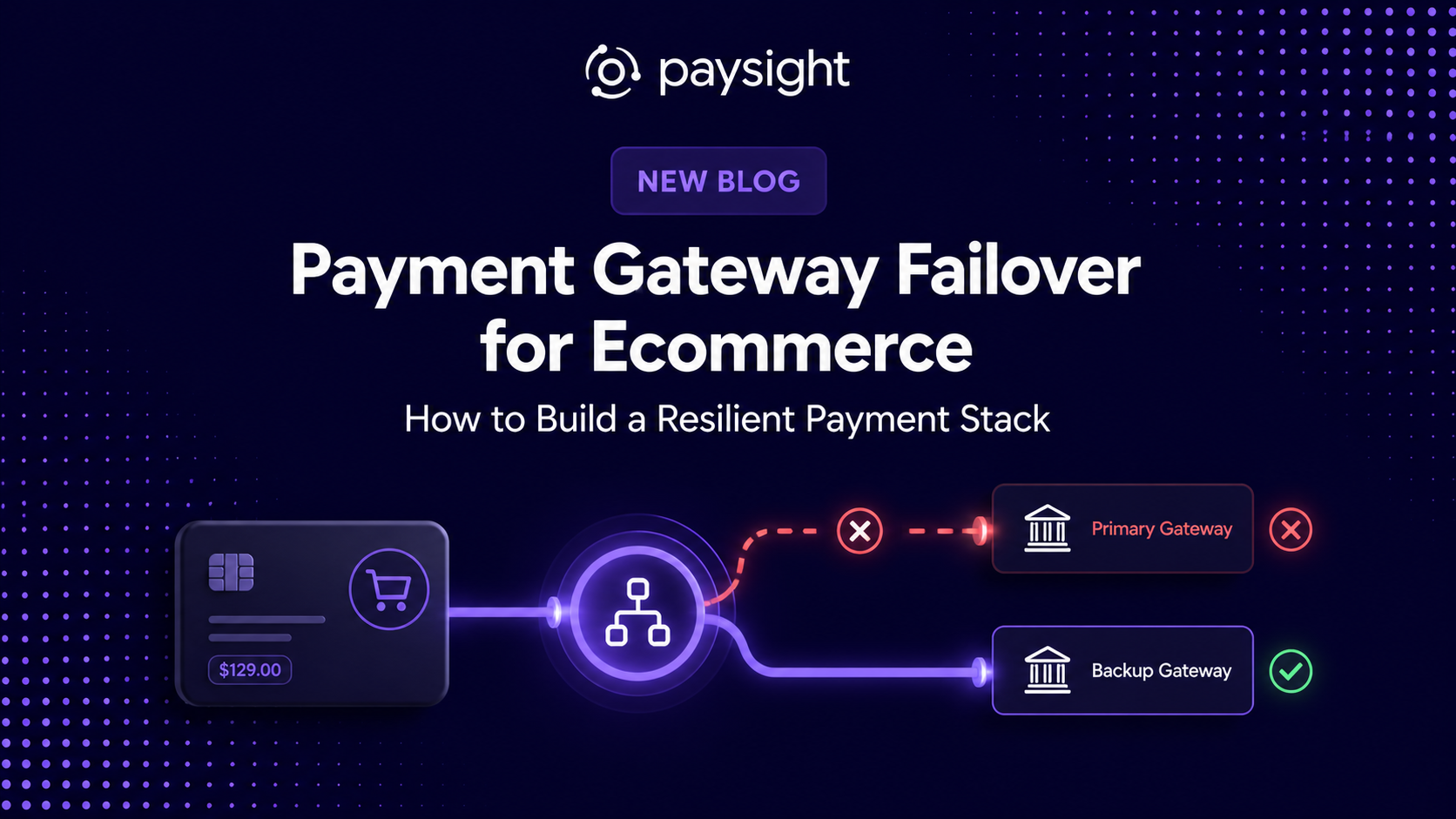
- Closures. If an account is closed, every payment flowing through it stops at once, including scheduled subscription renewals.
We have written separately about what to do when Stripe closes an account with money in it. The short version: the merchants who recover fastest are the ones who already had a second route running before anything went wrong.
Checkout and conversion
Stripe gives you control. You can embed card fields directly in your checkout, offer Apple Pay and Google Pay, show local payment methods, and use Link, Stripe's saved-details checkout, to speed up returning shoppers. If you care about a fully branded checkout and want to test flows, Stripe is the more flexible tool.
PayPal gives you the buyer. The button carries trust, especially for customers who have not bought from you before, and Pay Later (4.99% + 49¢ in the US) can make higher-ticket orders easier to say yes to. The cost is that the customer leaves your branded flow for a moment, and you pay more per order.
Most brands should offer both and let the data decide how much weight each one gets.
Subscriptions and stored cards: the portability question
If you sell subscriptions, this is the section that matters most.
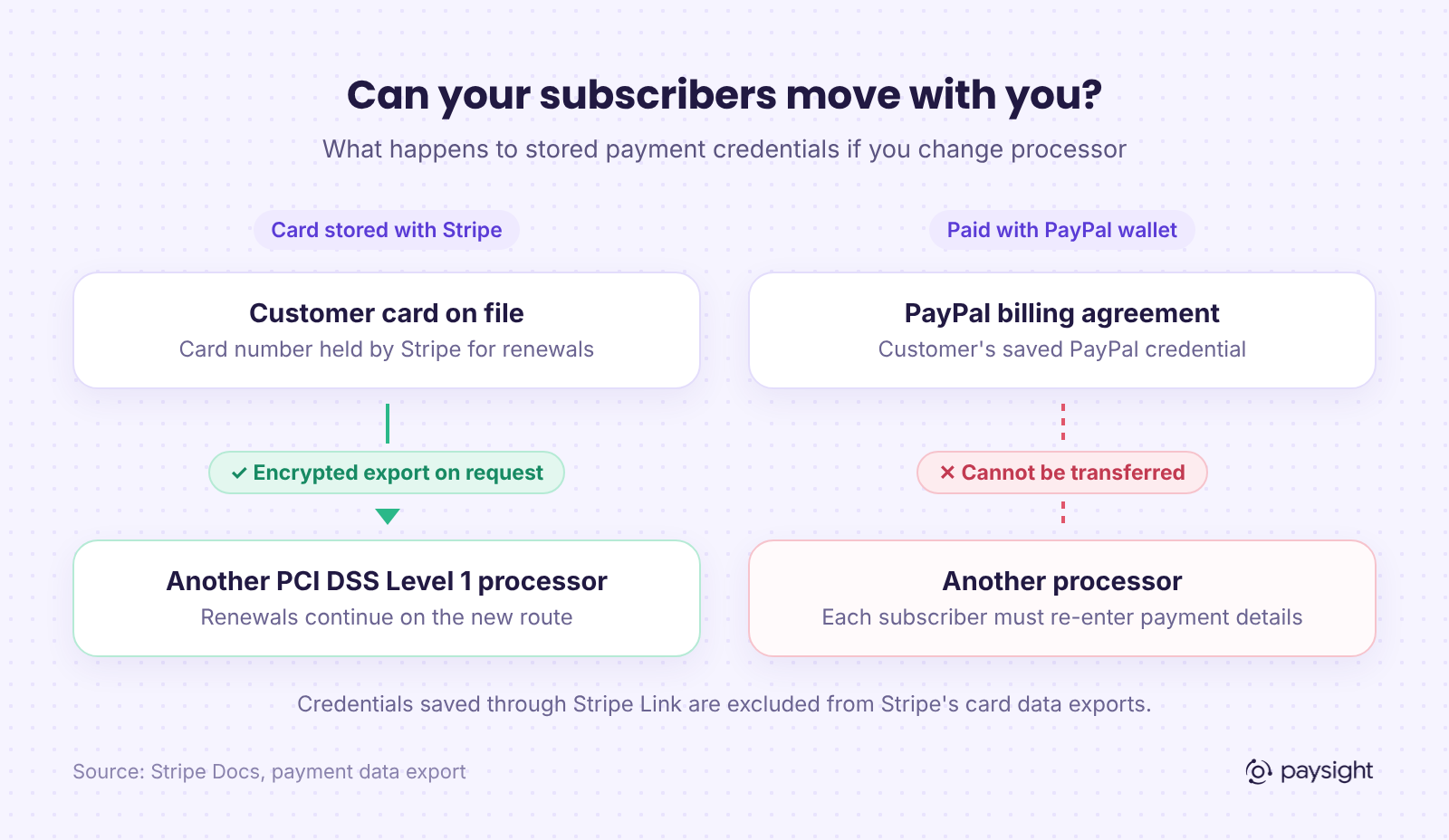
Stripe Billing is a capable subscription engine. More importantly, Stripe will export your customers' card data to another PCI DSS Level 1-compliant processor if you decide to move. Your recurring customer base is not locked to Stripe forever. Note the exception: credentials saved through Link are excluded from those exports.
PayPal works the other way. When a customer subscribes through their PayPal wallet, the saved credential is a PayPal billing agreement. It only works with PayPal. If your PayPal account is restricted, those subscribers cannot be moved to another processor; you need to ask each of them to enter new payment details.
That is not a reason to avoid PayPal for subscriptions. It is a reason to know what share of your recurring revenue depends on a credential you cannot move, and to have a plan for it.
Which one should you choose?
- Launching your first store: start with Stripe (or your platform's native processor) for cards and add the PayPal button. Measure conversion by payment method from day one.
- Selling mostly to international or first-time buyers: keep PayPal prominent. The extra fee is usually worth the trust it buys.
- Running subscriptions: keep the majority of recurring customers on portable card credentials, and treat PayPal subscriptions as a convenience option rather than the backbone.
- Doing meaningful volume or sitting near a restricted category: do not rely on either one alone. Add at least one dedicated merchant account so a single policy decision cannot stop all revenue.
Why most growing brands end up using both
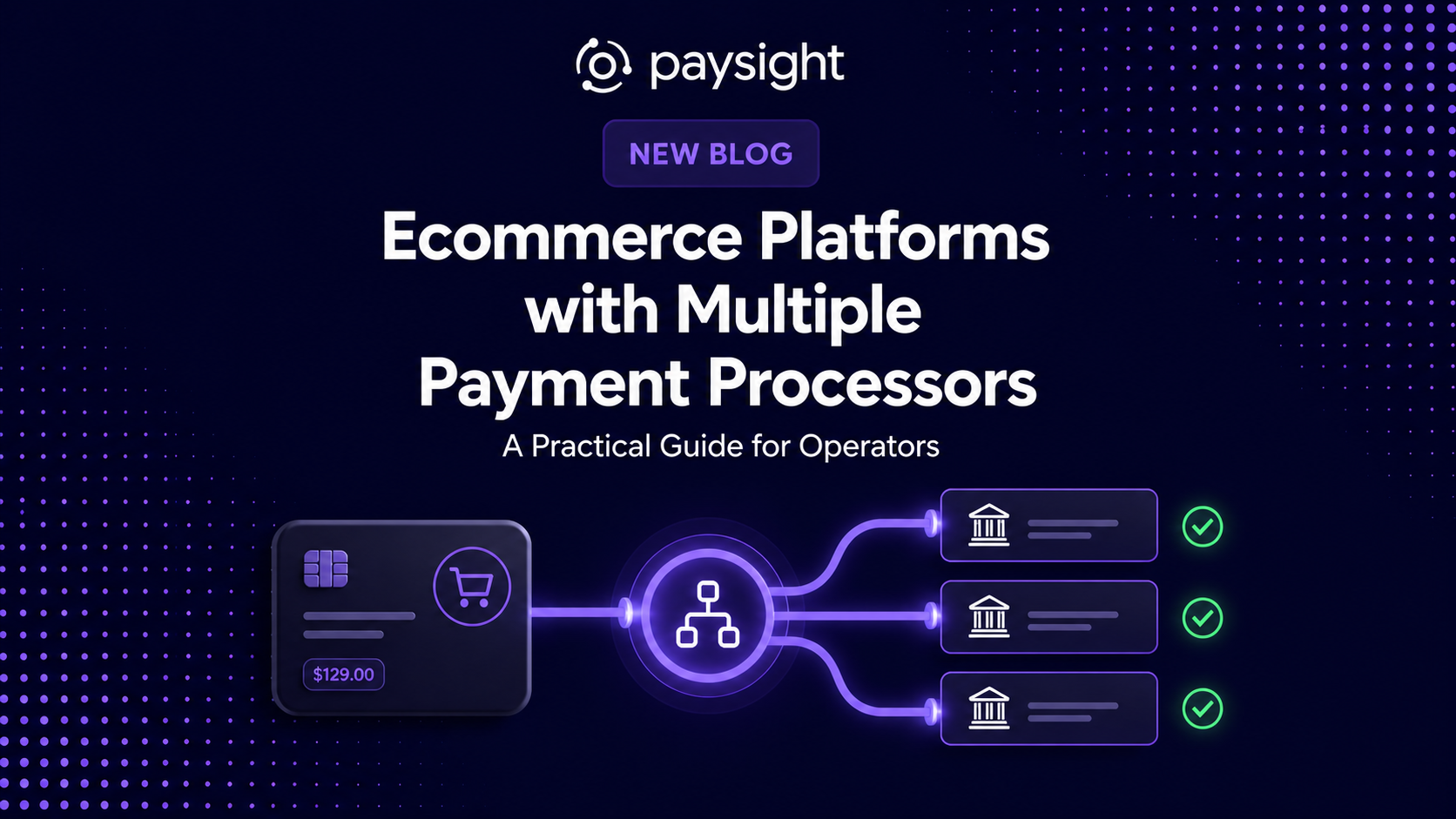
Once you accept that Stripe and PayPal do different jobs, the setup that holds up best is not "Stripe or PayPal". It is Stripe and PayPal side by side, plus at least one more card route, with something in the middle deciding where each payment goes.
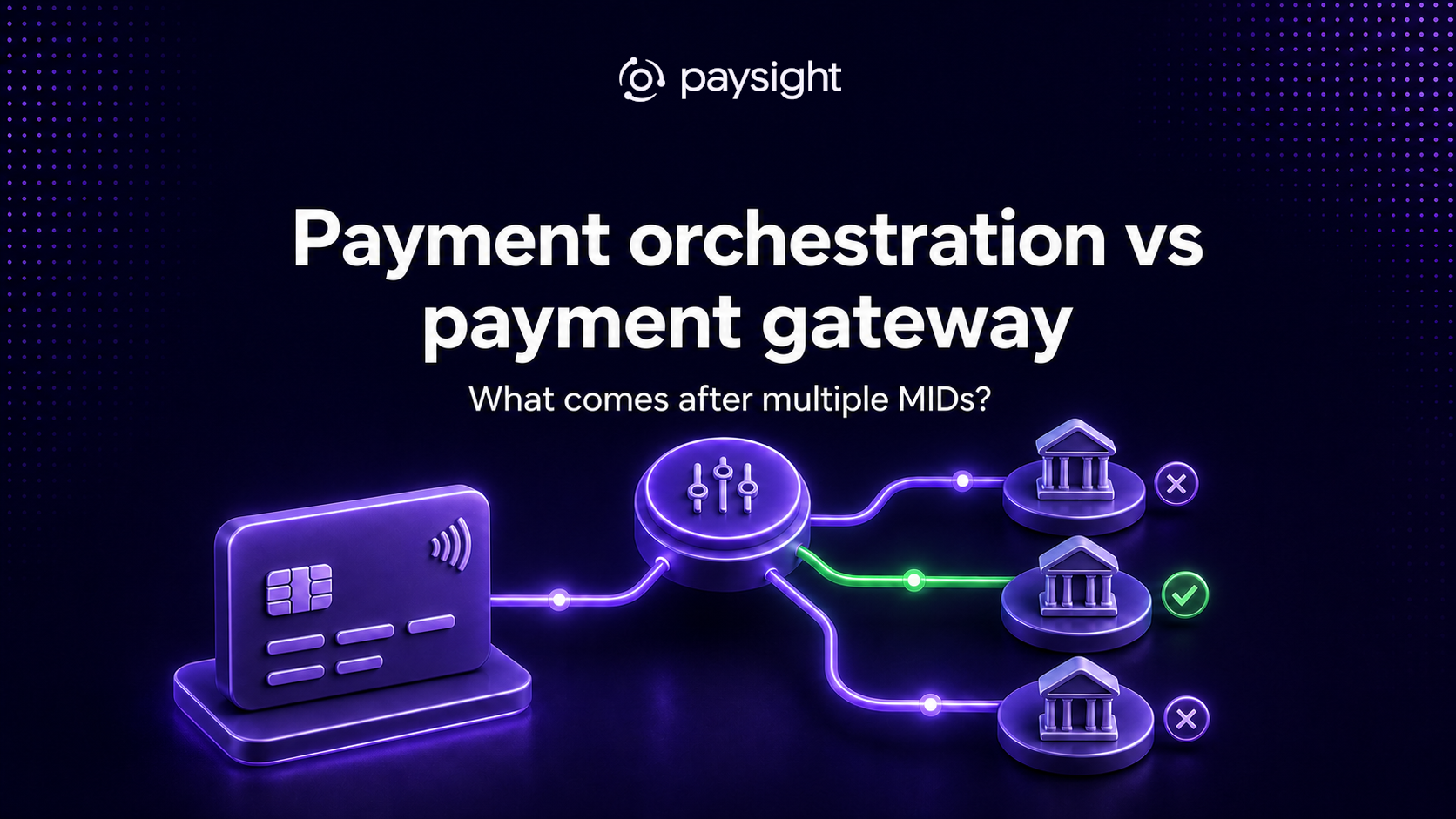
That middle layer is what payment orchestration does. It sits on top of the gateways you connect and lets you route card payments across more than one processor or MID, fail over when a route is down or restricted, retry declined renewals on a different route, and see approval rates, fees, and disputes per route in one place. If you want the longer explanation, our guide on payment orchestration vs payment gateways covers it in detail.
Paysight is built for exactly this. It is not a payment processor: you connect the gateways and merchant accounts you already have, such as Stripe, NMI or Finix, and Paysight launches and manages your subscriptions on top of them, keeps transaction and customer data in one place, and lets you decide which gateway each payment goes through. It does not replace underwriting or make a prohibited product acceptable, but it does mean one provider's decision no longer decides whether you get paid.
Sources
On standard US list pricing, usually yes. Stripe charges 2.9% + 30¢ for a domestic card payment, while PayPal wallet checkout costs 3.49% + 49¢ and PayPal card processing costs 2.89% to 2.99% + 49¢. On a $60 order that is $2.04 on Stripe versus $2.58 through the PayPal wallet. PayPal can still pay for itself if the button converts shoppers who would not have paid by card.
For most growing ecommerce brands, yes. Stripe handles card payments with more control over checkout, and PayPal brings wallet shoppers who prefer not to type card details. Measure conversion and effective fee rate by payment method so you know what each one contributes.
Not directly. A PayPal billing agreement only works with PayPal, so if you need to move those subscribers you have to ask each one to enter new payment details. Card data stored with Stripe can be exported to another PCI DSS Level 1-compliant processor on request, except credentials saved through Link.
Stripe typically schedules the first payout 7 to 14 days after your first live payment, then pays US accounts on a T+2 schedule. PayPal can hold payments for new sellers for up to 21 days while the account builds history. Both can add holds or reserves if they see elevated risk.
Stripe charges $15 for each dispute and another $15 if you counter it manually. PayPal charges $20 per card chargeback and $15 per PayPal dispute, or $30 for high-volume accounts. These fees apply on top of the refunded amount, so a rising dispute rate gets expensive quickly.
Stripe and PayPal are aggregators, so your account sits inside their platform-wide risk policies. A dedicated merchant account (MID) is underwritten for your business specifically and often priced on interchange-plus. Running one alongside Stripe and PayPal means a single provider's decision cannot stop all of your revenue.


.svg)



.png)



Company Reg. No. 760371
VAT No. IE4280069RH


